How to Deploy Microsoft Purview DLP for Copilot and Generative AI

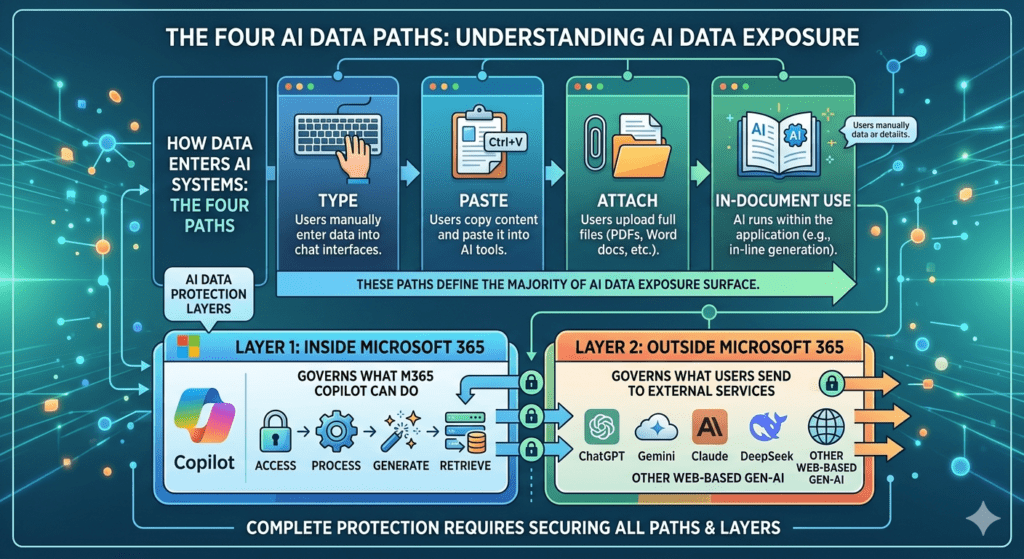
Organisations adopting Microsoft 365 Copilot and generative AI are facing a common challenge. Data is no longer static. It is constantly moving, reused, and now being surfaced and generated by AI.

This changes the risk profile.

The questions I hear most often are:

  1. What are the real data security risks with AI?
  2. Which controls actually make a difference?
  3. How do we deploy them effectively in Microsoft Purview?

This guide builds on my ECS 2026 session and focuses on the controls that provide the greatest practical value. It cuts through the noise and shows how to use Microsoft Purview DLP for Copilot and generative AI, with a practical approach to reducing real-world data leakage risk across both internal and external AI tools.


Read More

Container Sensitivity Labels: The Purview “Hack” That Fixes Copilot Oversharing Fast

Introduction: Oversharing Starts Before a Single File Exists

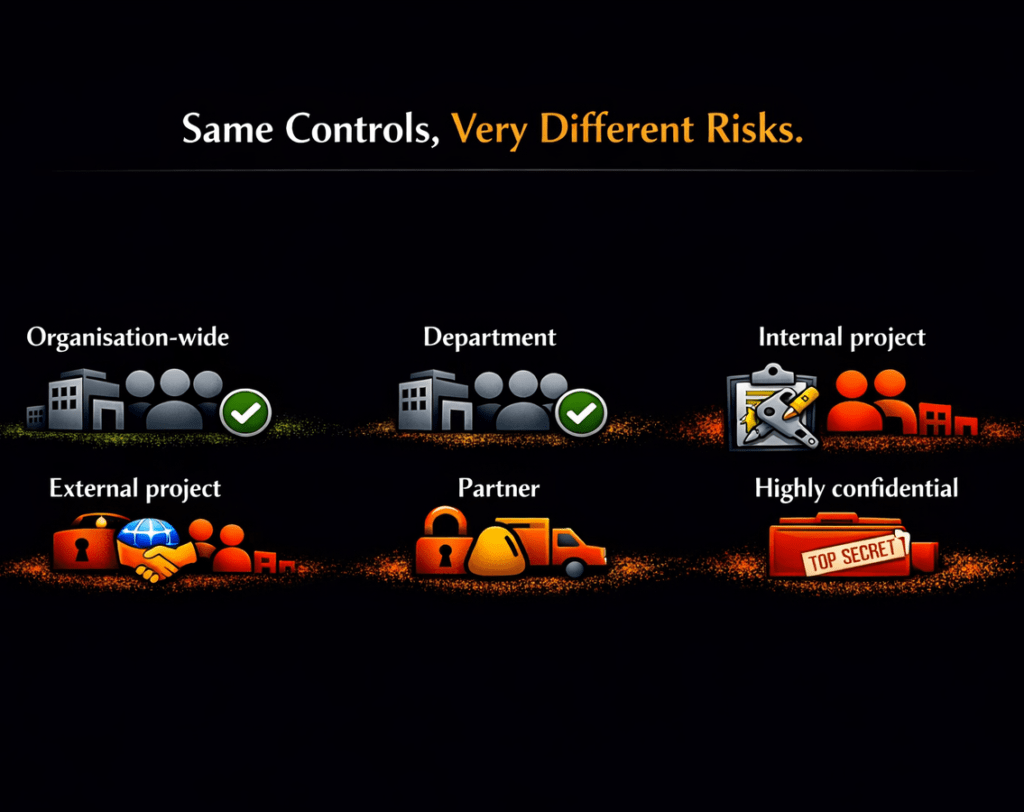
Copilot oversharing is one of the most misunderstood risks in Microsoft 365. In reality, it often starts before a single file is uploaded.

It begins when Microsoft Teams, SharePoint sites, and Microsoft 365 Groups are created using generic tenant-wide defaults.

In an AI-enabled world, those overly permissive defaults become significantly more dangerous because Microsoft 365 Copilot operates within existing permissions.

Copilot does not create access.

It reveals it.


Read More

How to Configure Container Sensitivity Labels in Microsoft Purview (Step-by-Step)

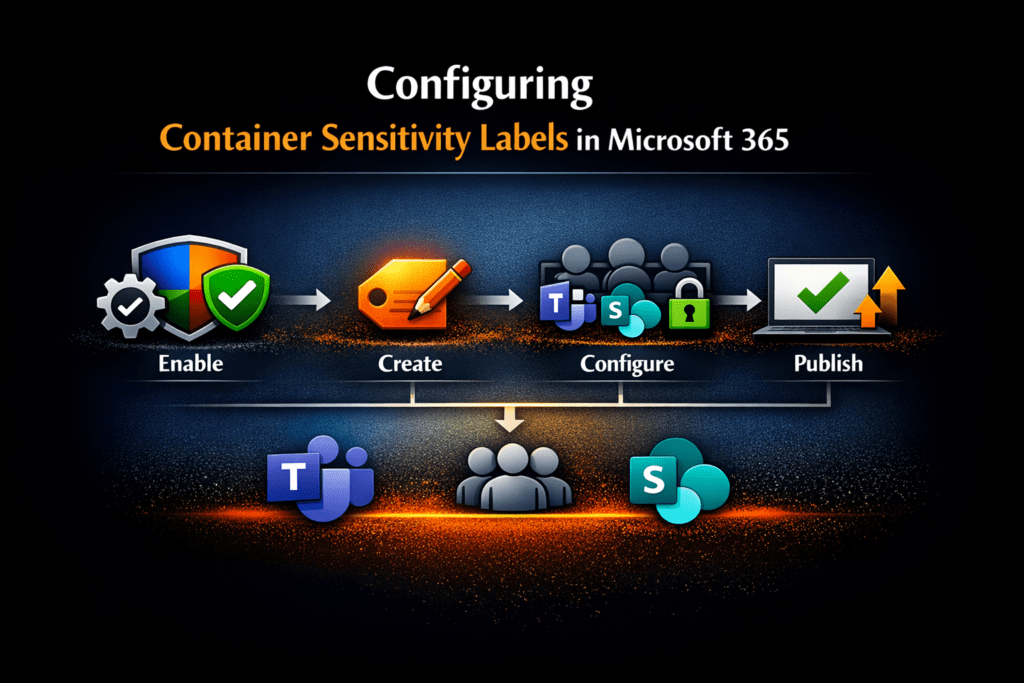
Microsoft Purview container sensitivity labels allow organisations to apply consistent, risk-based collaboration and access controls across Microsoft Teams, Microsoft 365 Groups, and SharePoint sites without relying on manual decisions at the point of creation.

Instead of users or administrators deciding security settings each time a workspace is created, container sensitivity labels enforce governance automatically based on collaboration risk.

This is one of the most effective ways to reduce Microsoft 365 Copilot oversharing risk because Copilot surfaces only what users already have access to.

If access controls are overly broad, AI exposure becomes overly broad.


Read More

Governing AI Shadow IT with the Microsoft Purview Browser Extension

AI tools like ChatGPT, Bard, and Claude are transforming the workplace. From customer service to content creation, employees are increasingly turning to them as productivity boosters. But with this innovation comes a challenge:

⚠️ How do you protect sensitive company data from being unintentionally exposed, while still enabling the benefits of AI?

The answer: the Microsoft Purview Browser Extension — a lightweight, privacy-first tool that gives organizations visibility and control over browser activity without becoming intrusive. When combined with Endpoint DLP, Insider Risk Management (IRM), and Data Security Posture Management (DSPM) for AI, it provides a powerful way to govern risky behavior, including shadow AI.

  • A four‑step guide to using DSPM for AI to monitor and manage risky behaviour — without compromising privacy
  • What the Purview Browser Extension is and why it matters
  • How it works alongside Endpoint DLP and Insider Risk Management (IRM)

Read More

Enhance Your Data Security Strategies – IRMS Conference 2025

I’m deeply honoured to have delivered the closing keynote with Ryan John Murphy from Microsoft at the IRMS Conference 2025 – The Peaky Path to Progress | 18th – 20th May 2025 | Birmingham, UK an event that continues to be the beating heart of the information management community. With over 400 professionals from across sectors, this year’s theme, “The Peaky Path to Progress,” couldn’t have been more fitting.

As we navigate an era where data is both an asset and a liability, my session—“Protecting Your Sensitive Data with Microsoft Purview: Practical Information Protection and DLP Strategies”—focused on equipping organizations with the tools and mindset to climb their own digital mountains.


Read More

Measuring Copilot and Gen AI Success and Risks with Viva Insights and Purview – ECS 2025

Measure Copilot and Gen AI Success and Risks Using Viva Insights, Microsoft Purview, and the Microsoft 365 Admin Center reports

Earlier this month, I had the pleasure of speaking at the European Collaboration Summit 2025 in Düsseldorf, Germany. It was an incredible opportunity to connect with fellow Microsoft 365 professionals and explore a timely, strategic question:

How do we measure the success—and manage the risks—of Microsoft Copilot and Generative AI?

In my session, “Measuring Copilot and Gen AI Success and Risks with Viva Insights and Purview,” I shared practical, real-world strategies for going beyond basic usage statistics to understand the full picture: adoption, impact, sentiment, and security posture.


Read More

Guide to the New SC-401 Information Security Administrator Associate

🚨 Big News for IT, Data Security, Compliance and Purview Professionals! 🚨

Microsoft has announced the retirement of the SC-400: Microsoft Information Protection Administrator certification, effective May 31, 2025. This change impacts both current SC-400 certification holders and those preparing for the exam. As the IT landscape evolves, Microsoft is shifting its focus towards more comprehensive security administration, leading to the introduction of the new SC-401 certification. 🔒

Wondering how this change will affect your certification journey? This transition may seem daunting, but with the right information and preparation, you can navigate it effectively and continue to advance your career in information security. ✨ The new SC-401 certification offers a more robust focus on security administration, aligning with the latest industry trends. 🌟

In this post and the associate All Things M365 Compliance podcast episode , we’ll cover everything you need to know about the retirement of the SC-400 certification, the introduction of the SC-401 certification, and how to make the most of this change. 🌟


Read More

Mastering Microsoft Purview Exact Data Match: All Things M365 Compliance Podcast

What are the benefits of Microsoft Purview’s Exact Data Match (EDM)? This question is explored in the latest episode of the All Things M365 Compliance Podcast: Mastering Microsoft Purview Exact Data Match. In today’s world, where data breaches are becoming increasingly common, protecting your organization’s sensitive information is critical. However, traditional data classification methods often rely on patterns and keywords, which can lead to false positives and inefficiencies, complicating efforts to protect data. The advantage of EDM is that it provides a precise solution, enabling you to classify and secure your data using exact values from your structured sources, such as an employee list.

In this latest episode of the All Things M365 Compliance Podcast/Vodcast, Ewelina Paczkowska joins hosts Nikki Chapple and Ryan John Murphy to explore mastering Microsoft Purview’s Exact Data Match and discuss its benefits and practical functionality.


Read More

Speaking at Teams Nation 2024 | February 2024

I had the opportunity to present a session at Teams Nation 2024 on 21 February 2024. Teams Nation is a free, community-driven online conference dedicated to Microsoft Teams, its underlying technologies, and extensibility options. It featured over 70 sessions across multiple tracks covering topics like Adoption & Governance, Security & Compliance, Productivity, Meetings & Calling, Education & Community, Build & Extend, Devices & Spaces, and The Power Platform.


Read More

How to add sensitivity labels to your existing Microsoft 365 Groups, Teams and SharePoint sites

How to add sensitivity labels to my existing groups, teams and sites? This was a question I was asked after one of my previous blogs on how to protect your groups, Teams and sites. If you only have a small number of groups, teams and sites, then it is easy to manually add the container sensitivity label to each group team or site. But what happens when you have thousands of groups, couples and sites?

Fortunately, there is a way to automate this task using PnP PowerShell. In this blog post, I will walk you through the steps needed first to analyze your existing groups, teams and site and then to programmatically apply container sensitivity labels to your existing Teams, Groups, and Sites in Microsoft 365 to help you protect your important data from unauthorized access and accidental sharing.


Read More