How To Apply Container Sensitivity Labels at Scale in Microsoft 365

Introduction: Oversharing Does Not Start With Files

How to apply sensitivity labels at scale to existing Microsoft 365 Groups, Microsoft Teams and SharePoint sites is one of the most common follow-up questions I receive when discussing container sensitivity labels.

If your environment only contains a small number of workspaces, applying labels manually is manageable.

However, most organisations operate at scale. Hundreds or even thousands of Microsoft 365 Groups, Microsoft Teams and SharePoint sites already exist.

This is where governance becomes inconsistent and risky.

In this post, I show how to:

✅ Analyse your existing environment
✅ Identify oversharing risk
✅ Apply container sensitivity labels at scale using PowerShell

The goal is not just automation.

It is to apply consistent, risk-based governance and reduce oversharing in Microsoft 365 and Copilot environments.

This approach ensures you can apply container sensitivity labels at scale across existing Microsoft 365 environments in a consistent and controlled way.


Read More

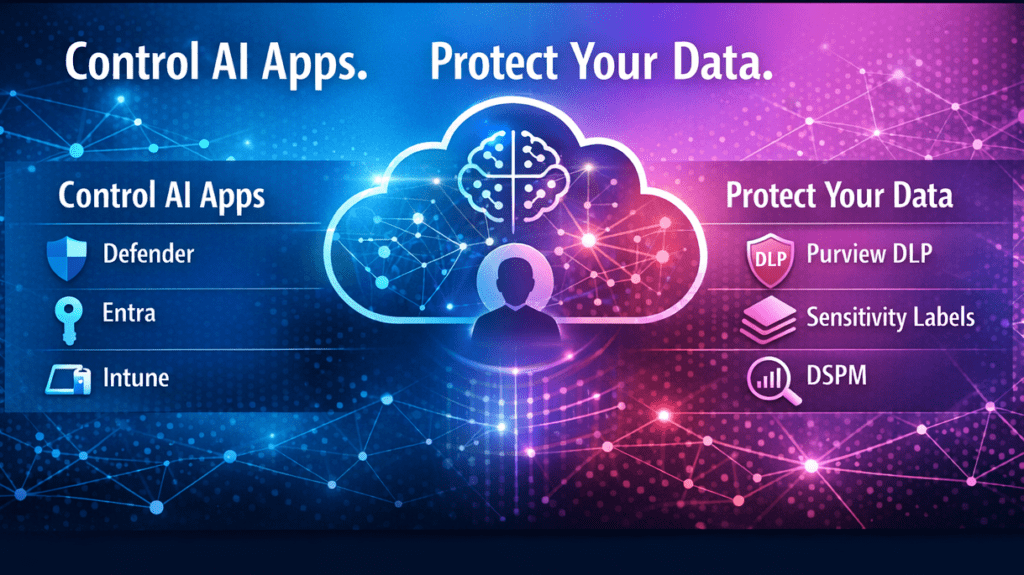
How to Deploy Microsoft Purview DLP for Copilot and Generative AI

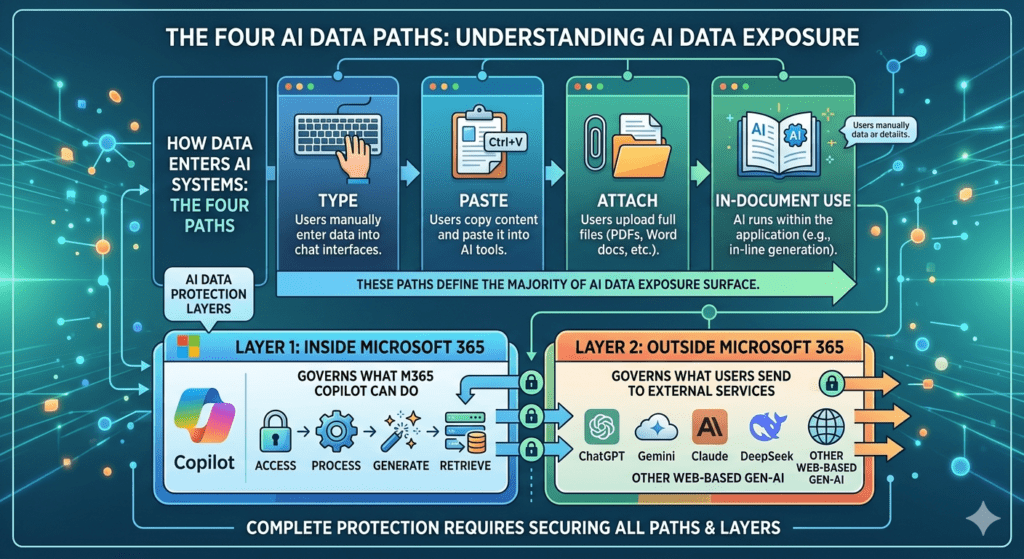
Organisations adopting Microsoft 365 Copilot and generative AI are facing a common challenge. Data is no longer static. It is constantly moving, reused, and now being surfaced and generated by AI.

This changes the risk profile.

The questions I hear most often are:

  1. What are the real data security risks with AI?
  2. Which controls actually make a difference?
  3. How do we deploy them effectively in Microsoft Purview?

This guide builds on my ECS 2026 session and focuses on the controls that provide the greatest practical value. It cuts through the noise and shows how to use Microsoft Purview DLP for Copilot and generative AI, with a practical approach to reducing real-world data leakage risk across both internal and external AI tools.


Read More

Container Sensitivity Labels: The Purview “Hack” That Fixes Copilot Oversharing Fast

Introduction: Oversharing Starts Before a Single File Exists

Copilot oversharing is one of the most misunderstood risks in Microsoft 365. In reality, it often starts before a single file is uploaded.

It begins when Microsoft Teams, SharePoint sites, and Microsoft 365 Groups are created using generic tenant-wide defaults.

In an AI-enabled world, those overly permissive defaults become significantly more dangerous because Microsoft 365 Copilot operates within existing permissions.

Copilot does not create access.

It reveals it.


Read More

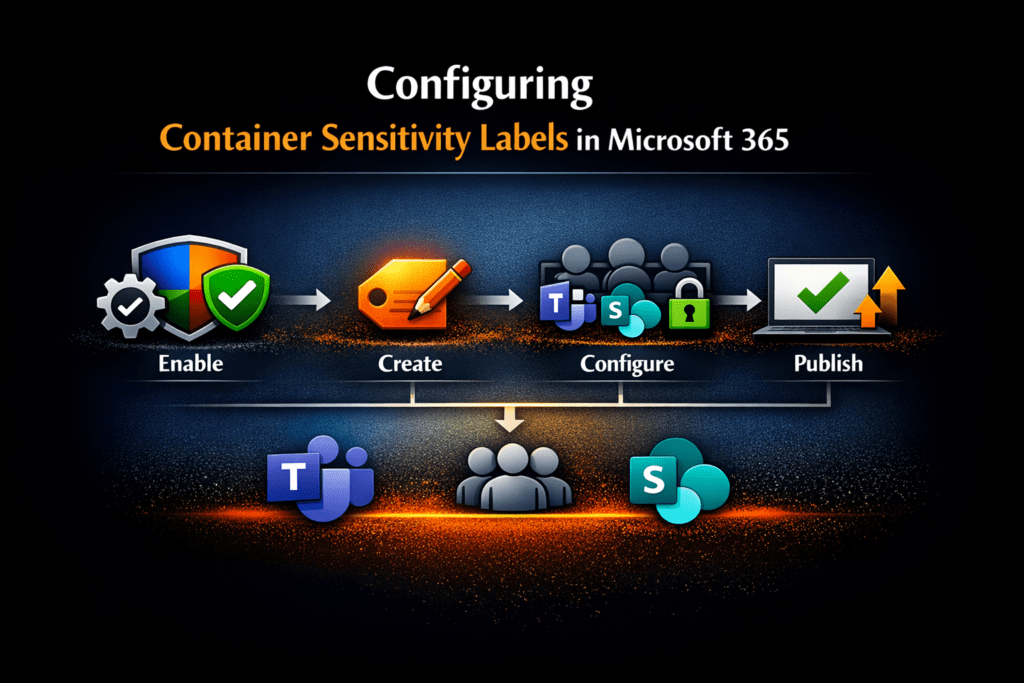
How to Configure Container Sensitivity Labels in Microsoft Purview (Step-by-Step)

Microsoft Purview container sensitivity labels allow organisations to apply consistent, risk-based collaboration and access controls across Microsoft Teams, Microsoft 365 Groups, and SharePoint sites without relying on manual decisions at the point of creation.

Instead of users or administrators deciding security settings each time a workspace is created, container sensitivity labels enforce governance automatically based on collaboration risk.

This is one of the most effective ways to reduce Microsoft 365 Copilot oversharing risk because Copilot surfaces only what users already have access to.

If access controls are overly broad, AI exposure becomes overly broad.

This guide focuses specifically on implementation:

✅ How to configure Microsoft Purview container sensitivity labels
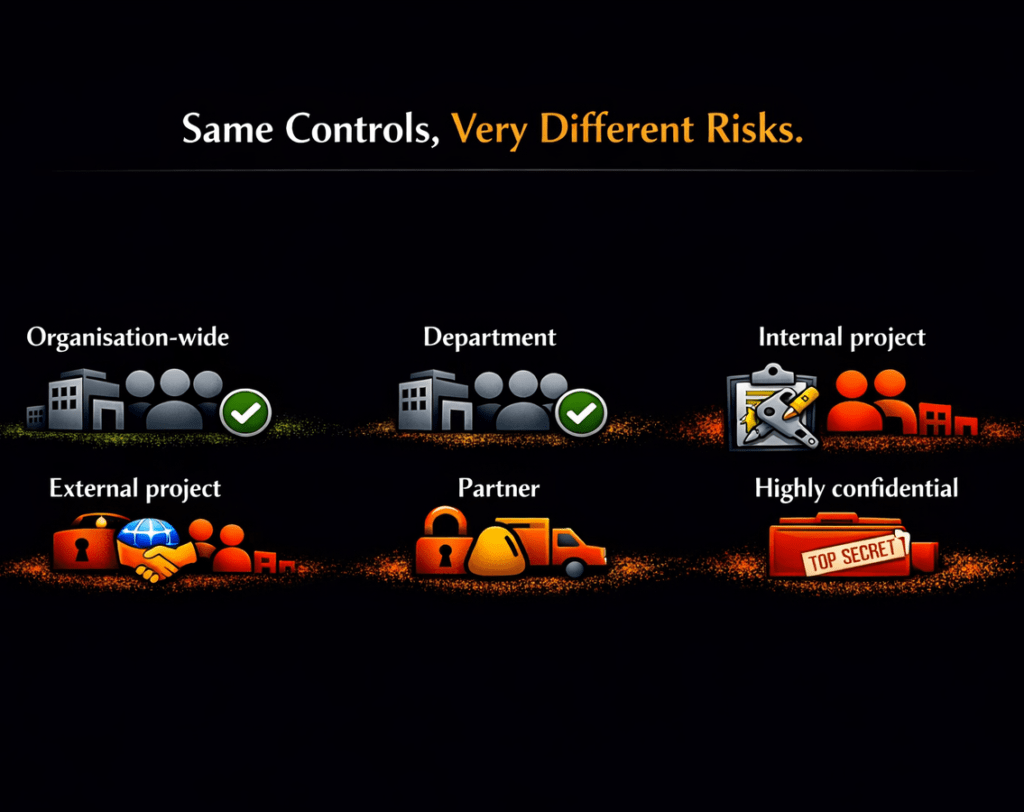
✅ How to apply risk-based collaboration controls
✅ How to govern guest access and sharing consistently
✅ How to integrate with Microsoft Entra Conditional Access
✅ How to operationalise secure-by-default collaboration governance


Read More

Why Ex‑Employee OneDrive Data Never Dies in Microsoft 365 (and How to Fix It)

Ex-employee OneDrive retention is no longer primarily a licensing problem. Since January 2025, Microsoft has reduced one of the biggest historical causes of indefinite OneDrive retention. However, many organisations are still retaining former employees’ OneDrive data for years, sometimes indefinitely.

The reason is governance design.

This article explains how identity lifecycle, OneDrive service behaviour, and Microsoft 365 retention (via Microsoft Purview) interact today; why ex‑employee OneDrive data can still persist indefinitely; and how to design retention so every leaver’s OneDrive reaches a predictable, auditable end‑of‑life.

👉 Read the full guide to understand why ex‑employee OneDrive data can still be retained forever, and how to fix it.


Read More

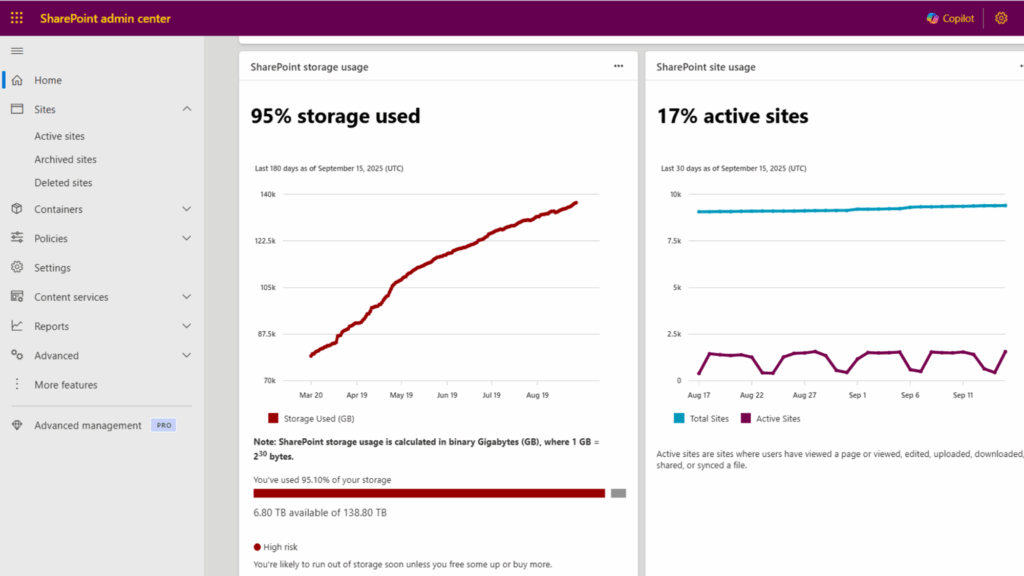
Do You Really Need More SharePoint Storage? Here’s How to Optimize Instead.

Many organizations reach their SharePoint storage limits and assume the only solution is to purchase additional storage. In most cases, you can avoid extra costs by optimizing what you already have. This article explains how to reduce storage consumption by managing file version history, governing site lifecycle, and leveraging Microsoft 365 Archive for inactive content. Keeping your environment lean not only saves money but also improves Microsoft 365 Copilot quality by decreasing ROT (redundant, obsolete, trivial) data that clutters search and AI responses. By applying these measures, you can control costs, enhance compliance, and improve user experience without unnecessary spending.


Read More

Why Microsoft 365 Copilot Data Readiness Matters

Microsoft 365 Copilot Data Readiness is essential for secure and effective AI adoption. Copilot is transforming the way we work by boosting productivity, creativity, and efficiency across Microsoft 365. But here is the challenge: Copilot surfaces what users already have access to. If your data governance is not in order, sensitive information could be exposed.

So, the big question is:
Is your data ready for Microsoft 365 Copilot?

I recently joined Mark Thompson from The Inform Team for a webinar on this topic. We explored how Copilot interacts with your Microsoft 365 environment, the risks of oversharing, and how to build a secure, governed foundation for responsible AI adoption.

🎥 Watch the full webinar: YouTube Recording


Read More

Mastering Records Management in Microsoft Purview: A Practical Guide for AI-Ready Governance

Microsoft Purview Records Management has become a critical priority for organizations adopting AI tools like Microsoft 365 Copilot. Because Copilot surfaces everything a user can access, including redundant, obsolete, and trivial (ROT) data, weak governance now directly translates into productivity loss, compliance risks, and potential legal exposure.

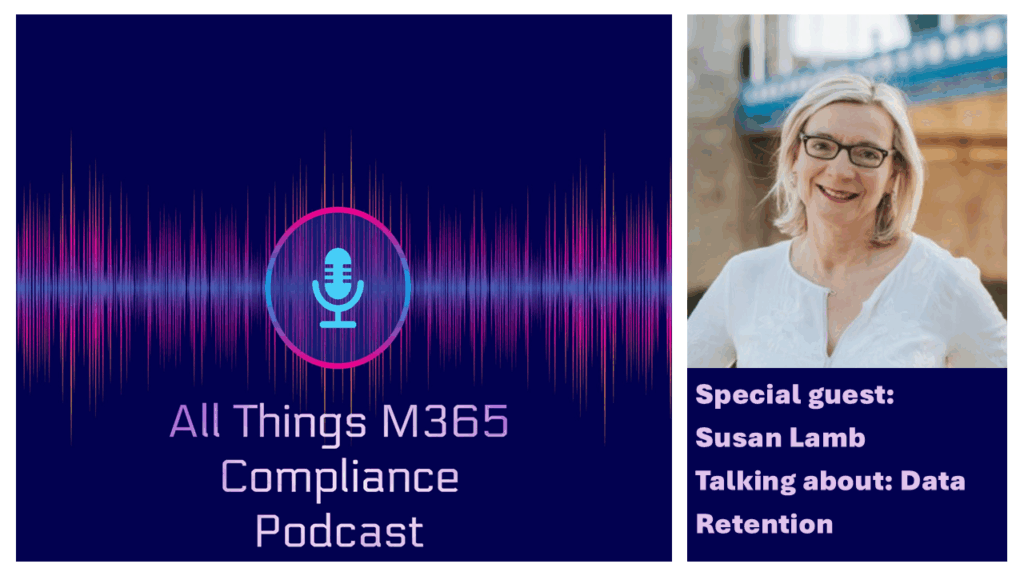
In a recent episode of All Things M365 Compliance, I joined Ryan John Murphy and Susan Lamb, Principal Data Governance SME at Infotechtion and former global records management lead at Shell, to explore how Microsoft Purview has evolved and what practical steps organizations must take to clean up their data estate.


Read More

Teams Private Channel Messages: Compliance Action Required by Sept 20, 2025

Teams private channel messages are moving to group mailboxes, and compliance managers must act before September 20, 2025, to avoid data loss and compliance gaps.

Microsoft is reengineering private channels to improve scalability and simplify governance. This change impacts Microsoft Purview eDiscovery, retention, and DLP policies.

This update was announced in the Microsoft Teams Blog and flagged in the Microsoft 365 Message Center (MC1134737).

📺 Prefer video? Watch the full episode on YouTube and subscribe for more updates!


Read More

Ultimate Guide to Microsoft 365 Data Storage Locations (Exchange, OneDrive, SharePoint, Teams & More)

Update (September 2025): This post has been updated to include the latest changes to private channel message storage and compliance.

If you’re managing Microsoft 365, you already know it stores data across Exchange, SharePoint, Teams, OneDrive, and more. But do you know exactly where each type of data lives—and which Microsoft Purview tools can help protect it?

In today’s fast-paced digital world, data is the lifeblood of any organization. It is the foundation upon which decisions are made, strategies are formulated, and success is measured. As a user or admin of Microsoft 365, you have access to a powerful suite of tools that enable you to create, store, and manage your data with ease. But with so many applications and features, it can be challenging to know where your data is stored and how to access it. Understanding these Microsoft 365 data storage locations is crucial for effective data management and regulatory compliance.

This comprehensive guide will help you answer the question: Where does Microsoft 365 store your data?


Read More