How To Apply Container Sensitivity Labels at Scale in Microsoft 365

Introduction: Oversharing Does Not Start With Files

How to apply sensitivity labels at scale to existing Microsoft 365 Groups, Microsoft Teams and SharePoint sites is one of the most common follow-up questions I receive when discussing container sensitivity labels.

If your environment only contains a small number of workspaces, applying labels manually is manageable.

However, most organisations operate at scale. Hundreds or even thousands of Microsoft 365 Groups, Microsoft Teams and SharePoint sites already exist.

This is where governance becomes inconsistent and risky.

In this post, I show how to:

✅ Analyse your existing environment
✅ Identify oversharing risk
✅ Apply container sensitivity labels at scale using PowerShell

The goal is not just automation.

It is to apply consistent, risk-based governance and reduce oversharing in Microsoft 365 and Copilot environments.

This approach ensures you can apply container sensitivity labels at scale across existing Microsoft 365 environments in a consistent and controlled way.


Read More

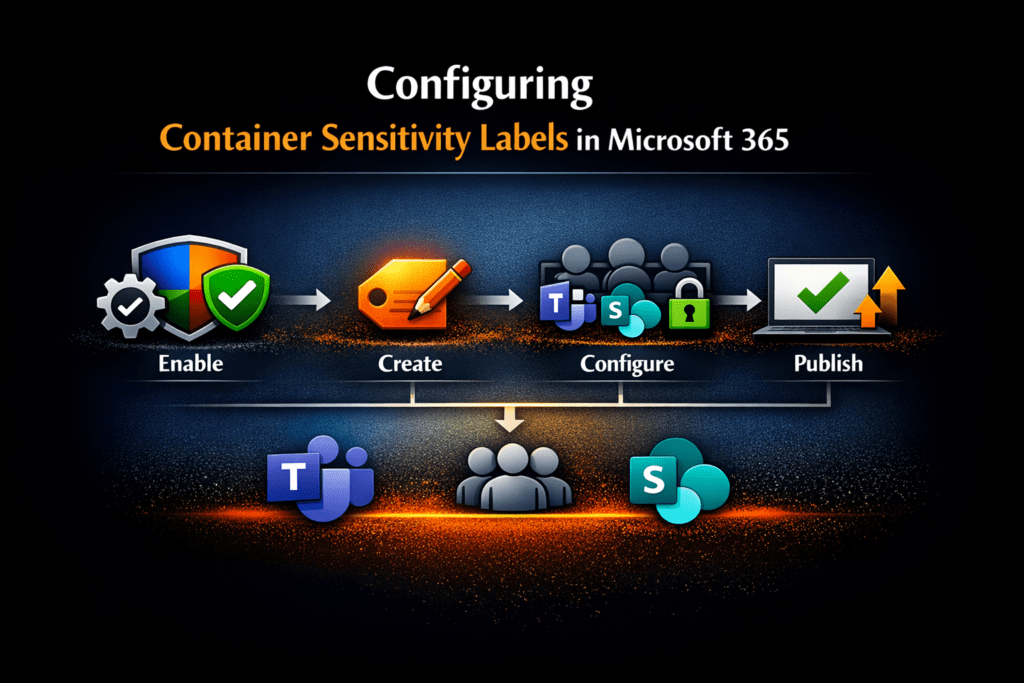
How to Configure Container Sensitivity Labels in Microsoft Purview (Step-by-Step)

Microsoft Purview container sensitivity labels allow organisations to apply consistent, risk-based collaboration and access controls across Microsoft Teams, Microsoft 365 Groups, and SharePoint sites without relying on manual decisions at the point of creation.

Instead of users or administrators deciding security settings each time a workspace is created, container sensitivity labels enforce governance automatically based on collaboration risk.

This is one of the most effective ways to reduce Microsoft 365 Copilot oversharing risk because Copilot surfaces only what users already have access to.

If access controls are overly broad, AI exposure becomes overly broad.

This guide focuses specifically on implementation:

✅ How to configure Microsoft Purview container sensitivity labels
✅ How to apply risk-based collaboration controls
✅ How to govern guest access and sharing consistently
✅ How to integrate with Microsoft Entra Conditional Access
✅ How to operationalise secure-by-default collaboration governance


Read More

Why Microsoft 365 Copilot Data Readiness Matters

Microsoft 365 Copilot Data Readiness is essential for secure and effective AI adoption. Copilot is transforming the way we work by boosting productivity, creativity, and efficiency across Microsoft 365. But here is the challenge: Copilot surfaces what users already have access to. If your data governance is not in order, sensitive information could be exposed.

So, the big question is:
Is your data ready for Microsoft 365 Copilot?

I recently joined Mark Thompson from The Inform Team for a webinar on this topic. We explored how Copilot interacts with your Microsoft 365 environment, the risks of oversharing, and how to build a secure, governed foundation for responsible AI adoption.

🎥 Watch the full webinar: YouTube Recording


Read More

Ultimate Guide to Microsoft 365 Data Storage Locations (Exchange, OneDrive, SharePoint, Teams & More)

Update (September 2025): This post has been updated to include the latest changes to private channel message storage and compliance.

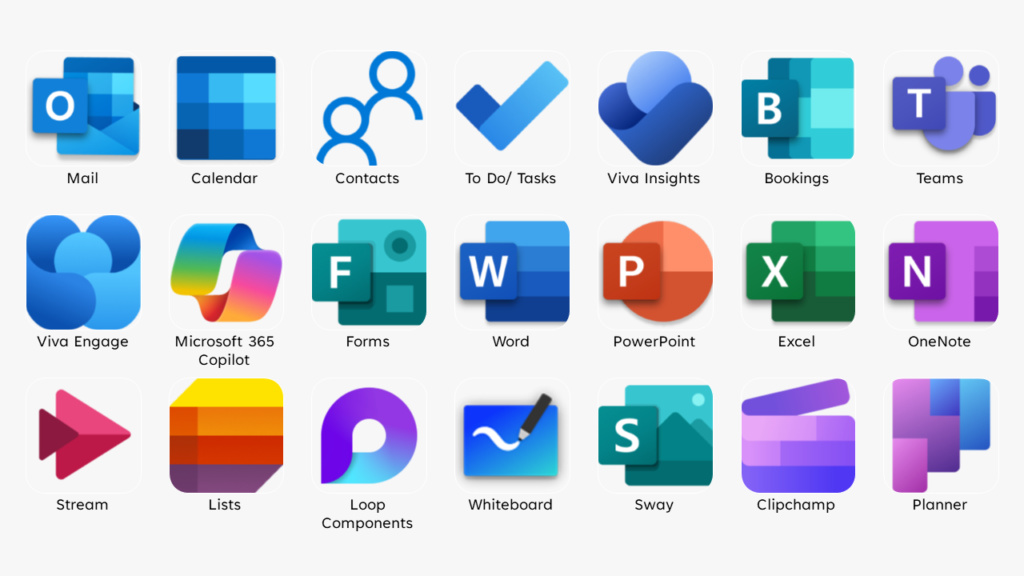
If you’re managing Microsoft 365, you already know it stores data across Exchange, SharePoint, Teams, OneDrive, and more. But do you know exactly where each type of data lives—and which Microsoft Purview tools can help protect it?

In today’s fast-paced digital world, data is the lifeblood of any organization. It is the foundation upon which decisions are made, strategies are formulated, and success is measured. As a user or admin of Microsoft 365, you have access to a powerful suite of tools that enable you to create, store, and manage your data with ease. But with so many applications and features, it can be challenging to know where your data is stored and how to access it. Understanding these Microsoft 365 data storage locations is crucial for effective data management and regulatory compliance.

This comprehensive guide will help you answer the question: Where does Microsoft 365 store your data?


Read More

SharePoint Version History Limits Can Help You Optimize SharePoint Storage

In my recent blog post, Hidden Connection Between SharePoint File Versioning and Storage,  I delved into the mechanics of file versioning in SharePoint. Each version is a full copy of the file, meaning that large files can rapidly consume storage space. For instance, a 200MB PowerPoint file with 10 versions will use up 2GB of storage. If you have 500 such files, that’s a whopping 1TB of storage consumed. This versioning system can lead to SharePoint becoming cluttered with outdated and often irrelevant file versions. However, it’s not all bad news. Microsoft has recently introduced SharePoint Version History Limits, which offers better control over file versions at both the organization and site levels. With these new limits, you can optimize SharePoint storage by deleting excessive versions, thereby freeing up and making better use of your valuable storage space.

Let’s explore how to use Version History Limits to optimize SharePoint storage and enhance your document management efficiency.


Read More

The Hidden Connection Between SharePoint File Versioning and Storage Management

Today, effective document management is crucial in the digital workplace. SharePoint offers strong file versioning capabilities that ensure every edit and update is recorded, creating a comprehensive version history. This feature not only facilitates seamless collaboration but also acts as a safeguard against accidental deletions or alterations. By maintaining a detailed version history, SharePoint upholds document integrity and ensures compliance with regulatory standards.

Many organizations are approaching their SharePoint storage limits and are asking the question: “Do I really need to buy more SharePoint storage, or is there a better way?”

So how does SharePoint File Versioning impact your storage management? In this post, we’ll explore the relationship between SharePoint file versioning and storage and provide tips to optimize your SharePoint environment.


Read More

Speaking at Norwegian Microsoft 365 Community |May 2024

I had the opportunity to present a session at the Norwegian Microsoft 365 Community online user group on the 24 May 2024. The Norwegian Microsoft 365 Community a group of Norwegian professionals and enthusiasts who come together to share knowledge, experiences, and best practices related to Microsoft 365.


Read More

Speaking at Commsverse 2024 | June 2024

I presented at Commsverse 2024, which took place on June 26-27, 2024 at Mercedes Benz World, UK. Commsverse is a community conference focused on Microsoft Teams and the AI-enabled workplace. The event had over 700 attendees, featured over 70 sessions across two days, and included an exhibition floor.


Read More