How to Deploy Microsoft Purview DLP for Copilot and Generative AI

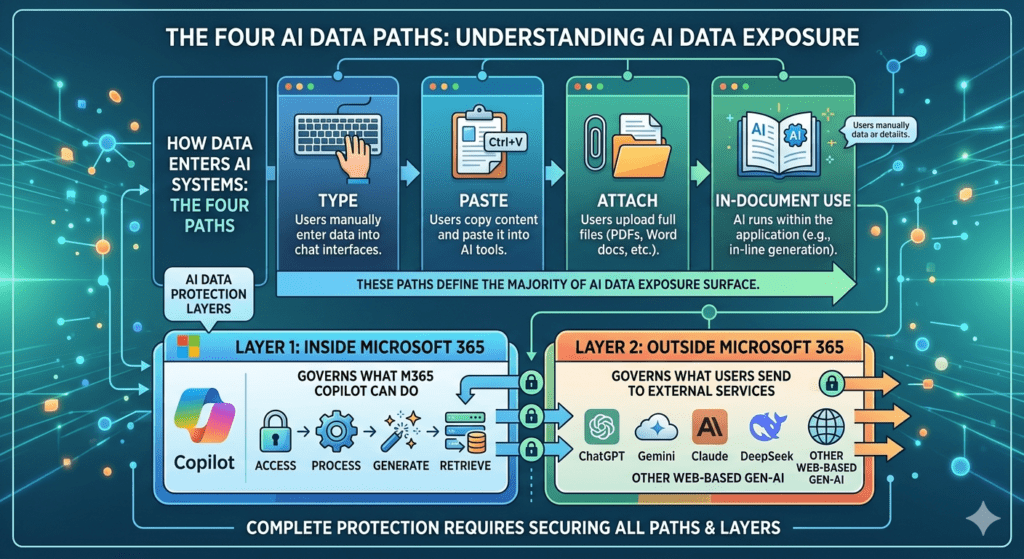
Organisations adopting Microsoft 365 Copilot and generative AI are facing a common challenge. Data is no longer static. It is constantly moving, reused, and now being surfaced and generated by AI.

This changes the risk profile.

The questions I hear most often are:

  1. What are the real data security risks with AI?
  2. Which controls actually make a difference?
  3. How do we deploy them effectively in Microsoft Purview?

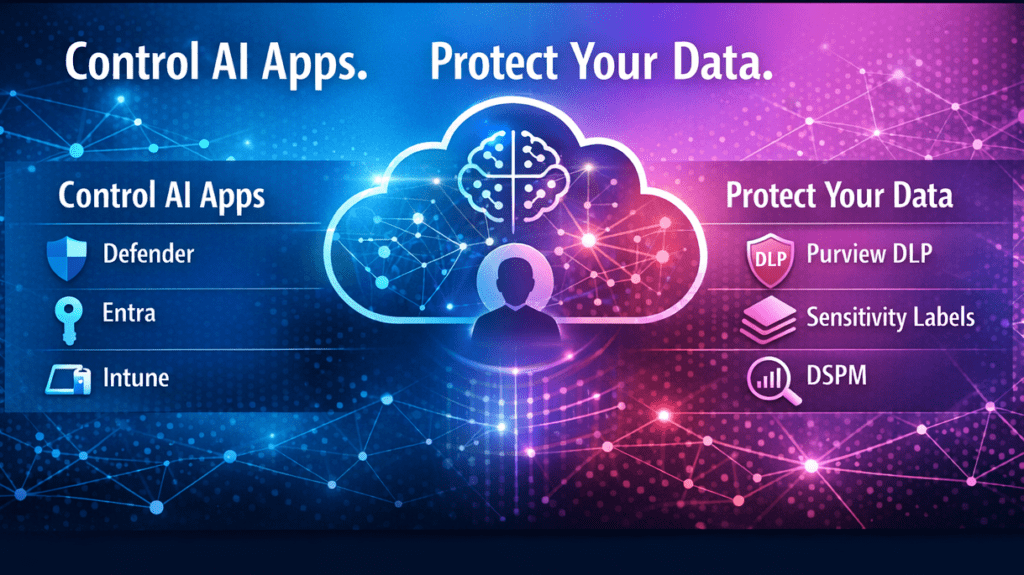
This guide builds on my ECS 2026 session and focuses on the controls that provide the greatest practical value. It cuts through the noise and shows how to use Microsoft Purview DLP for Copilot and generative AI, with a practical approach to reducing real-world data leakage risk across both internal and external AI tools.


Read More

Governing AI Shadow IT with the Microsoft Purview Browser Extension

AI tools like ChatGPT, Bard, and Claude are transforming the workplace. From customer service to content creation, employees are increasingly turning to them as productivity boosters. But with this innovation comes a challenge:

⚠️ How do you protect sensitive company data from being unintentionally exposed, while still enabling the benefits of AI?

The answer: the Microsoft Purview Browser Extension — a lightweight, privacy-first tool that gives organizations visibility and control over browser activity without becoming intrusive. When combined with Endpoint DLP, Insider Risk Management (IRM), and Data Security Posture Management (DSPM) for AI, it provides a powerful way to govern risky behavior, including shadow AI.

  • A four‑step guide to using DSPM for AI to monitor and manage risky behaviour — without compromising privacy
  • What the Purview Browser Extension is and why it matters
  • How it works alongside Endpoint DLP and Insider Risk Management (IRM)

Read More