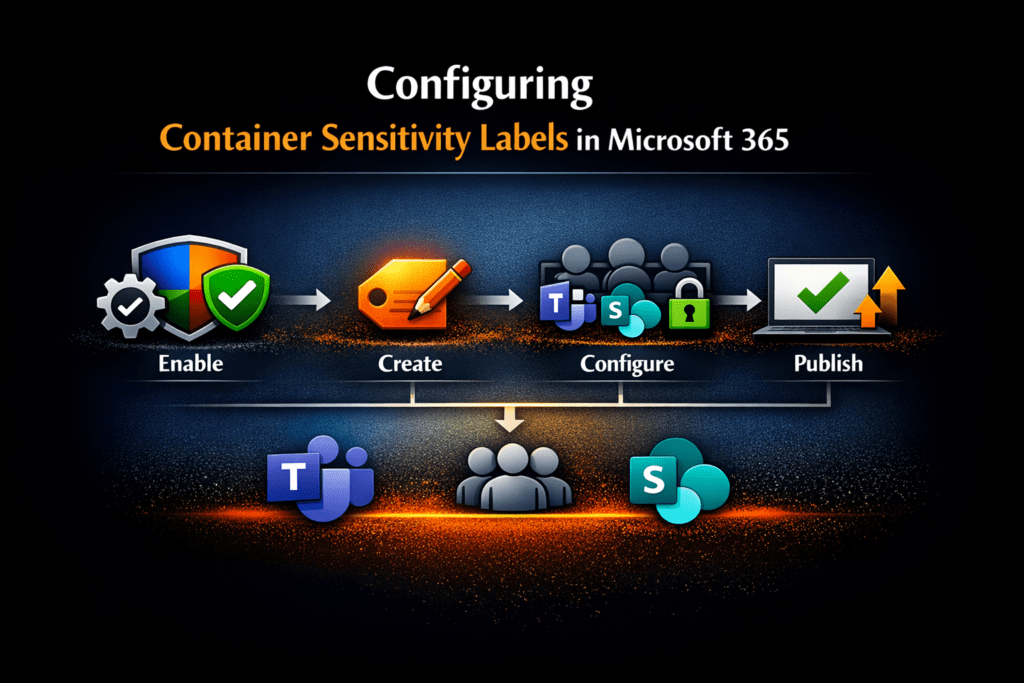
Microsoft Purview container sensitivity labels allow organisations to apply consistent, risk-based collaboration and access controls across Microsoft Teams, Microsoft 365 Groups, and SharePoint sites without relying on manual decisions at the point of creation.
Instead of users or administrators deciding security settings each time a workspace is created, container sensitivity labels enforce governance automatically based on collaboration risk.
This is one of the most effective ways to reduce Microsoft 365 Copilot oversharing risk because Copilot surfaces only what users already have access to.
If access controls are overly broad, AI exposure becomes overly broad.
This guide focuses specifically on implementation:
✅ How to configure Microsoft Purview container sensitivity labels
✅ How to apply risk-based collaboration controls
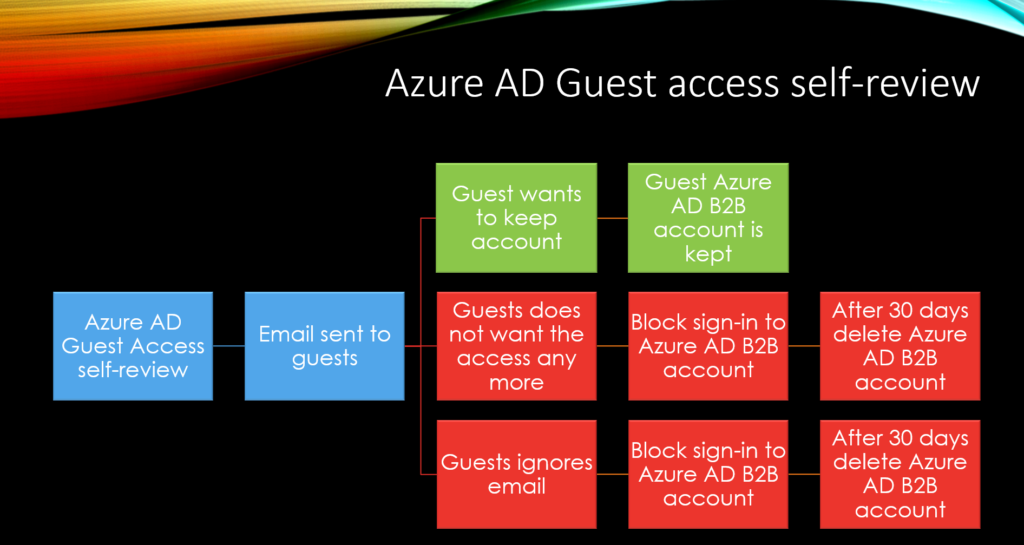
✅ How to govern guest access and sharing consistently
✅ How to integrate with Microsoft Entra Conditional Access
✅ How to operationalise secure-by-default collaboration governance
Read More