Do you know you can now upload your improvements actions into the Microsoft Purview Compliance Manager

📢It’s good news for Microsoft Purview Compliance Manager.

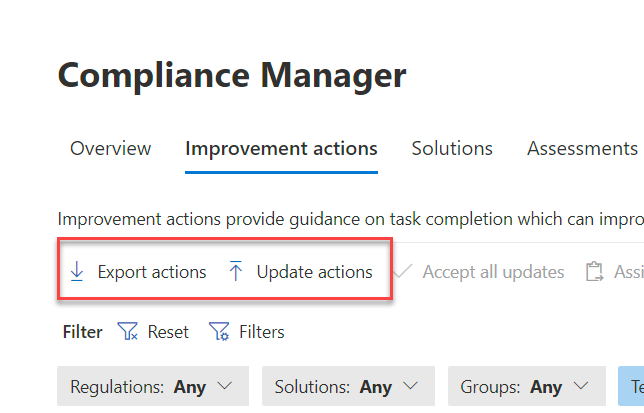
You can now bulk import your updated improvement actions directly into Microsoft Purview Compliance Manager using the Improvement actions export report. With no APIs or programmatic interfaces, bulk import is a significant improvement.

Having the ability to work on your improvement actions outside of the Microsoft Purview Admin Center is extremely helpful. You can work on the improvement actions with multiple businesses and IT stakeholders without giving them admin rights. In the past, any changes to improvement actions had to be manually updated in Compliance Manager. Organisations often only focus on the initial export of data, so they miss out on automatic testing notifications, reporting and updates.

By using the Excel export file to bulk upload your changes into Compliance Manager, there is no need to rekey any information, which is a significant time-saving improvement.

Additionally, keeping the Compliance Manager updated lets you see the impact of changes to regulations or configuration changes via automated testing.

Read on to find out more.


Read More

How to apply just-in-time access to Security & Compliance roles

I am often asked by clients how they can provide additional levels of controls to their Security and Compliance privileged roles to mitigate the risks of excessive, unnecessary, or misused access permissions to important resources.

Microsoft recommends the following best practice for managing privileged accounts:

  • Use least privileged access
  • Turn on multi-factor authentication for all your administrator accounts
  • Use Privileged Identity Management to grant just-in-time access with optional approvals
  • Configure recurring access reviews to revoke unneeded permissions over time

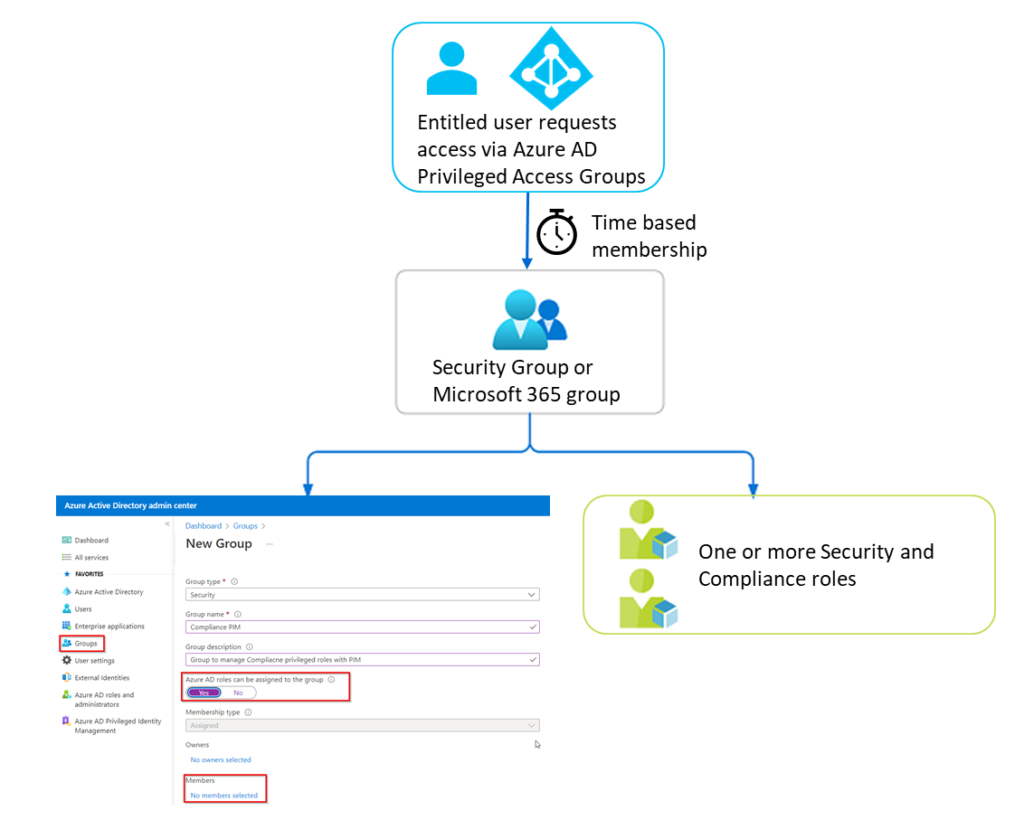
If you have Azure AD Premium 2 licensing you can use Azure AD Privilege Identity Management (PIM) to provide just-in-time access to privileged admin accounts. PIM only provides just-in-time access to Azure AD and Azure privileged roles. The issue with Security and Compliance roles is that they are managed in Security and Compliance admin Centers and not in Azure AD.

So how can we protect Security and Compliance roles with just-in-time access to mitigate the risks of excessive, unnecessary, or misused access permissions to important resources?

Read on to discover how to use Privileged Access Groups in PIM to indirectly provide just-in-time access to your Security & Compliance roles. In addition, this process will work with other non-Azure AD roles such as roles from Exchange or SharePoint.


Read More