Microsoft Teams meetings: Are you back yet?

Are you back yet? Is a common question asked after you have had a break during a Teams meeting.

When you run virtual meetings with Microsoft Teams it is not always easy to see when people are back. Especially when people in the meeting don’t have their video cameras on.

Let me show you how to quickly see when people have returned to your meeting.


Read More

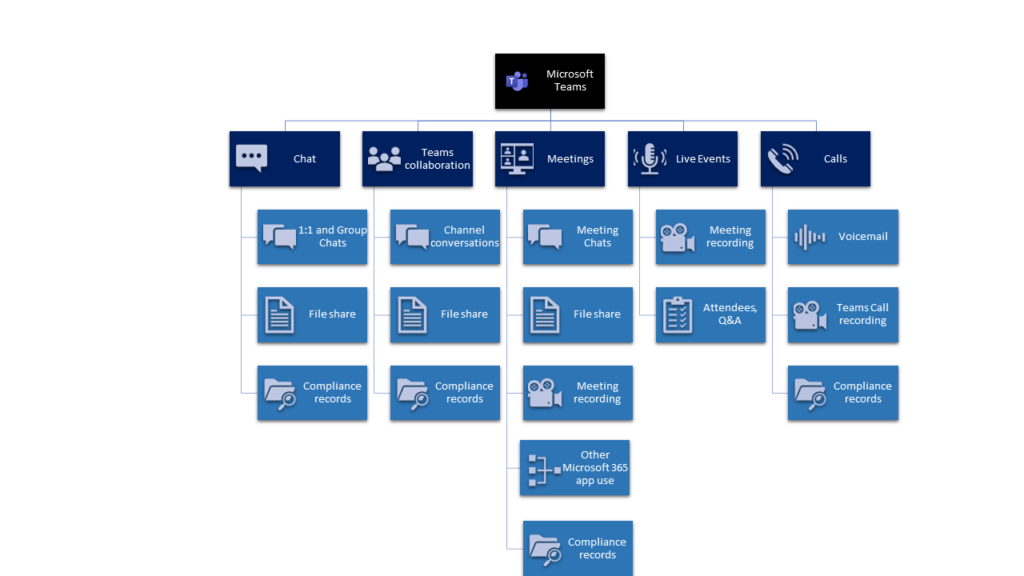
Microsoft Teams – Where is my data stored?

One of the most common questions I am asked is ‘Where is my Microsoft Teams data stored’?

Why is this? In short, Microsoft Teams is not an individual application, it is a productivity hub that utilises many applications and services across Microsoft 365. Therefore Teams stores data across multiple locations.

Why do I need to know where my data is stored?

For several reasons. Knowing where your data stored helps you address the following questions:

  1. Which geographic location is my Teams data stored?
  2. How can I govern Teams when I don’t know what is stored where?
  3. Can I control who has access to my Teams data?
  4. What information protection can I apply to my Teams data?
  5. Where do I need to apply retention policies?
  6. How to ensure my eDiscovery searches are scoped to include the right locations?

Let’s dig deeper into Microsoft Teams and see where your data is being stored.


Read More

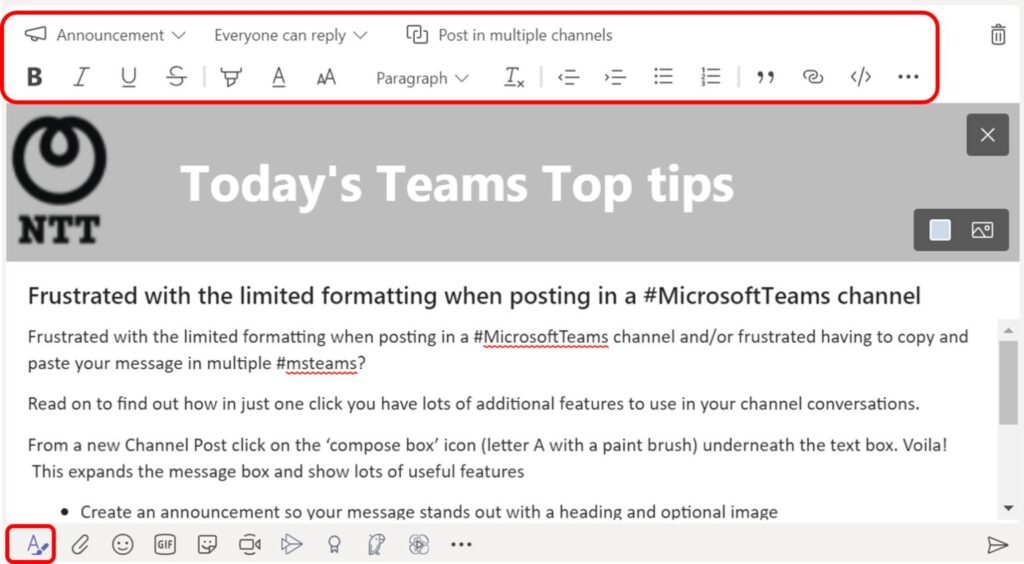
Microsoft Teams Chat formatting of messages

Users often find that Microsoft Teams Chat formatting is very basic when creating posts in Team chats and channel conversations. Did you know that Microsoft Teams chats and channel messages allows you to add in advanced formatting? Its just hidden away.

Read on to find out how in just one click you can use lots of additional features to use in your Microsoft Teams chat and channel conversations.


Read More